


Content creators in 2026 have access to AI tools that can help with
almost every stage of production, from finding an idea to reviewing
performance after publication. The real advantage, however, does not
come from collecting as many tools as possible. It comes from choosing a
small stack that removes repetitive work without flattening your
voice.
This guide covers the top AI tools available to content creators in
2026, what each one does best, and how to combine them into a practical
workflow that improves efficiency without sacrificing originality.
If you are still comparing platforms, explore our AI tools directory for more
writing, video, design, and business tools.
Creating content for a specific platform? Explore our guides to AI tools for LinkedIn creators, Facebook creators, Instagram creators, and TikTok creators to build a workflow that matches each platform.
Why Do Content Creators
Need AI Tools?
The content economy increasingly rewards consistency, quality,
relevance, and audience engagement. Creators who depend entirely on
slow, manual production methods can struggle to publish regularly while
also researching ideas, writing, filming, editing, designing,
distributing, and measuring results.
AI tools can reduce that pressure. They can take care of repetitive
tasks such as producing a first draft, generating captions, transcribing
interviews, removing filler words, resizing graphics, and repurposing a
long video into shorter posts. That leaves the creator with more time
for the work that still requires human judgment: choosing the story,
developing a point of view, checking facts, and building a genuine
connection with the audience.
AI should support your creative process, not become the process
itself. A polished piece of content still needs your experience,
examples, opinions, and final approval.
Benefits of
Using AI Tools for Content Creation
Used carefully, AI tools can help creators:
- Save time on drafting, editing, transcription, and formatting
- Maintain a more reliable publishing schedule
- Improve the technical quality of video, audio, and graphics
- Generate and organize ideas when the content calendar feels
empty - Repurpose one strong idea across several platforms
- Reduce avoidable production stress and creative burnout
- Review performance data more quickly
These benefits are not automatic. AI can also produce generic
writing, incorrect information, awkward visuals, and repetitive ideas.
The creator still needs to set the direction and review every important
output.
Types of AI Tools for
Content Creators
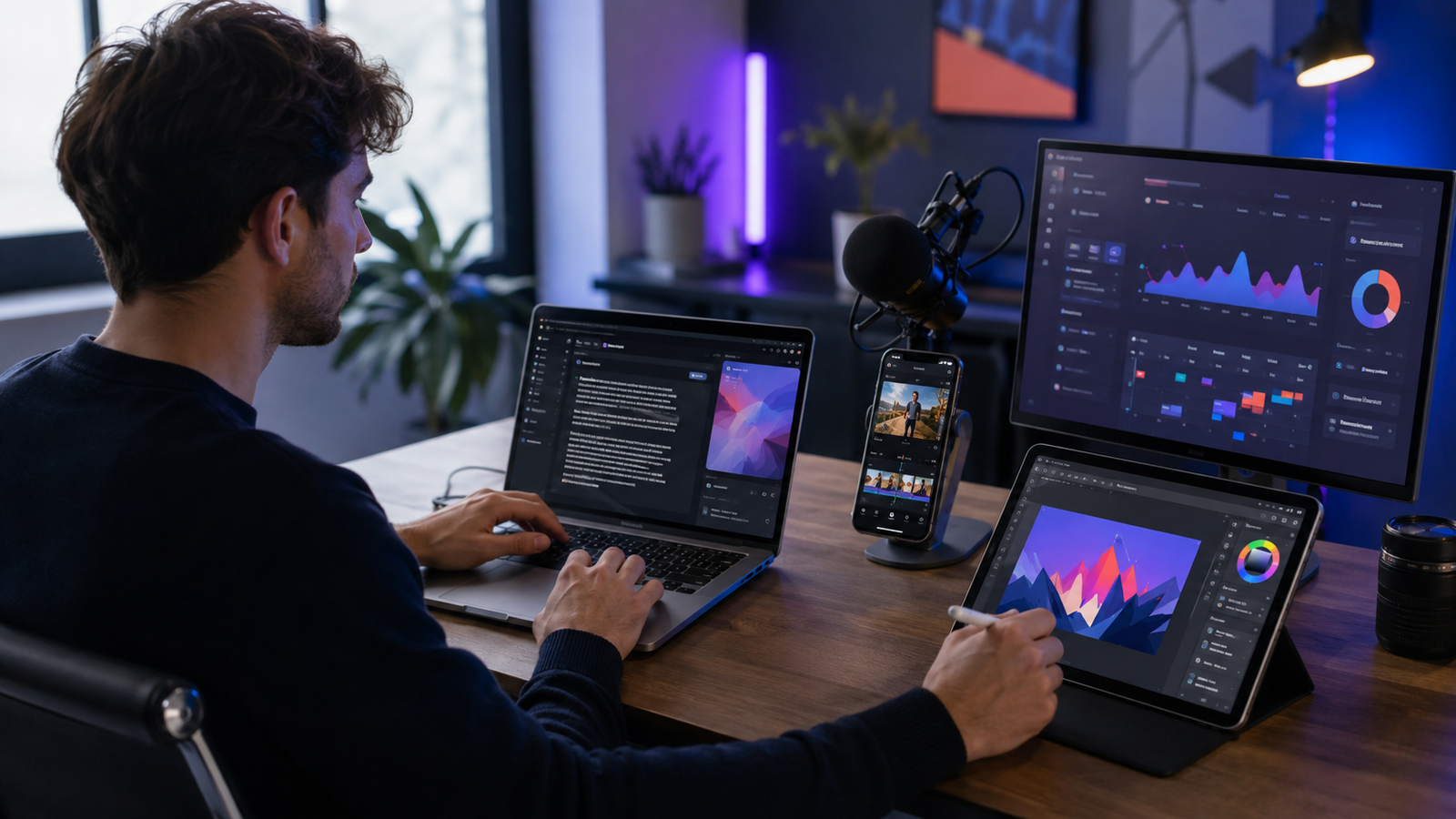
Most creator tools fit into one of four parts of the workflow.
AI Tools for Scripts and
Writing
Writing assistants help creators brainstorm topics, develop hooks,
outline videos, draft captions, rewrite copy, and adapt one message for
different platforms. They are most useful as collaborative drafting
tools—not as one-click replacements for a creator’s voice.
AI Tools for Video and Audio
AI video tools can generate captions, create transcripts, remove
pauses or filler words, clean audio, identify highlights, remove
backgrounds, and speed up repetitive edits. Some can also turn scripts
or articles into a first video draft.
AI Tools for Design and
Images
Design tools help create thumbnails, social graphics, presentation
visuals, brand assets, and custom images. Templates make production
faster, while generative features can help a creator move from a rough
idea to a usable visual direction.
AI Tools for Scheduling
and Analytics
Social media management tools can schedule content, suggest posting
times, centralize performance data, and help creators compare results
across platforms. Their real value is not simply automatic posting; it
is making a consistent publishing and review routine easier to
Maintain.
Best AI Writing
Tools for Content Creators
ChatGPT — Best Overall
Creative Assistant
ChatGPT is one of the most flexible tools for creators because it can
support several kinds of work in the same conversation. You can use it
to explore ideas, build a content calendar, outline a video, improve a
hook, rewrite a caption for a different audience, analyze a spreadsheet,
or turn a long article into a series of shorter posts. OpenAI also
provides examples of using ChatGPT
for content creation.
It works best when you give it context. Instead of asking, “Write an
Instagram caption,” explain who the audience is, what the post should
achieve, which details must be included, and what your voice sounds
like. A short sample of your previous writing can also help.
Best for: creators who want one versatile assistant
for research, planning, writing, analysis, and image ideation.
What to watch: confident-sounding errors and generic
phrasing. Check factual claims and rewrite the final draft in your own
voice.
Jasper — Best
for Marketing-Focused Brand Content
Jasper is designed for marketing teams and creators who need brand
consistency across campaigns. It is useful for promotional posts,
landing pages, product messaging, and other content tied directly to
sales or lead generation.
Its main value is not that it can write a caption faster than every
alternative. It is that a team can organize brand voice and campaign
context so multiple pieces of content feel related.
Best for: creators, agencies, and small teams
producing a high volume of branded marketing copy.
What to watch: it may be more tool—and more
expense—than an individual creator needs if ChatGPT or another general
assistant already covers the writing workflow.
Copy.ai — Best
for Repeatable Marketing Workflows
Copy.ai can help with captions, ads, emails, and repeatable
go-to-market content workflows. It is useful when a creator is running a
business around their audience and needs to turn one offer or campaign
into several pieces of short-form copy.
Best for: creators who sell products, services,
memberships, or courses and need repeatable marketing content.
What to watch: short-form copy can quickly sound
templated. Add specific customer language, proof, and a clear point of
view before publishing.
Best AI Video Creation
Tools in 2026
CapCut — Best for
TikTok, Reels, and Shorts
CapCut remains a practical option for short-form creators because it
combines a familiar timeline editor with automatic
caption tools, subtitle styling, templates, background tools, and
other AI-assisted editing features. It is particularly convenient for
vertical videos created for TikTok, Instagram Reels, and YouTube
Shorts.
Best for: fast mobile-first editing and creators who
publish several short videos each week.
What to watch: overused templates can make different
creators’ videos look identical. Use templates as a starting point, then
adjust the pacing, typography, colors, and visual rhythm to fit your
brand.
Descript
— Best for Editing Video and Podcasts Through Text
Descript transcribes audio or video and lets you edit the recording
by changing the transcript. Deleting a sentence from the text removes
the corresponding section from the media. Its video editing tools
can also help remove filler words, clean audio, create captions, and
turn longer recordings into shorter clips.
That makes it especially useful for podcasts, interviews, tutorials,
screen recordings, and talking-head videos where spoken content drives
the edit.
Best for: creators who prefer editing words rather
than working through a complicated video timeline.
What to watch: automatic cuts still need review.
Removing every pause can make natural speech feel rushed or
artificial.
Pictory
— Best for Turning Written Content into Video Drafts
Pictory is useful for creators who want to transform a script,
article, or other long-form text into a video draft without starting
from an empty timeline. This can work well for explainers, educational
content, list-based videos, and some faceless channels.
Best for: blog-to-video repurposing and creators who
do not regularly film original footage.
What to watch: stock footage can feel disconnected
from the narration. Replace generic scenes with original screen
recordings, product demonstrations, charts, or branded visuals whenever
possible.
Best AI Design and Image
Tools
Canva
AI — Best All-in-One Design Tool for Non-Designers
Canva combines templates, brand tools, image generation, writing
assistance, resizing, and a broad range of social content formats in one
editor. Its Canva AI
features make it a practical choice for thumbnails, carousels,
social posts, presentations, lead magnets, and simple video assets.
Best for: creators who need a fast, accessible
design workflow without professional design software.
What to watch: templates make creation easier, but
unmodified templates rarely build a distinctive brand. Establish a
consistent color palette, font system, layout style, and thumbnail
structure.
Midjourney —
Best for Stylized Visual Exploration
Midjourney is commonly used for highly stylized images, visual
concepts, mood boards, and imaginative scenes. It can help creators
develop a visual direction that would be difficult to produce with stock
photography alone.
Best for: artistic concepts, storytelling visuals,
campaign mood boards, and creators with a strong visual identity.
What to watch: a striking image is not automatically
an accurate or legally risk-free image. Review hands, faces, text, brand
marks, and any visual claim before commercial use.
ChatGPT
Images — Best for Conversational Image Creation and Revision
Image generation inside ChatGPT is useful when you want to describe a
visual, review the result, and request targeted changes in the same
conversation. OpenAI’s image generation
guide shows how prompts and iterative revisions can shape the
result. The tool can support thumbnails, illustrations, product
concepts, social graphics, and custom blog visuals.
Best for: creators who want a straightforward
generate-review-revise workflow.
What to watch: avoid publishing the first result
automatically. Check small details, text accuracy, aspect ratio, and
whether the image actually supports the content rather than merely
looking impressive.
Best AI
Tools for Social Media Scheduling and Analytics
Hootsuite
— Best for Managing Several Accounts or Clients
Hootsuite brings publishing, account management, monitoring, and
reporting into one dashboard. It is better suited to creators or teams
managing multiple channels, brands, or client accounts than to someone
posting occasionally on one platform.
Buffer — Best for
Simple Creator Scheduling
Buffer offers a cleaner, lighter workflow for planning and scheduling
posts. It is a sensible choice for individual creators who want
consistency without adopting a complex agency platform.
Metricool —
Best for Cross-Platform Performance Analysis
Metricool combines planning with detailed performance tracking. It
can help creators compare platforms, identify which formats are driving
results, and build future content around evidence instead of instinct
alone.
Scheduling recommendations are useful, but they should not replace
experimentation. Your own audience data is more valuable than a
universal “best time to post.”
Free vs. Paid AI
Tools: Which Should You Choose?
Free plans are enough to test a workflow. A new creator can usually
draft ideas, make basic graphics, edit short videos, and schedule a
limited amount of content without immediately paying for a large
stack.
A paid plan makes sense when a specific limit is costing you time or
money. Examples include regularly hitting usage caps, needing
higher-quality exports, requiring brand controls, collaborating with a
team, or using a tool for revenue-producing client work.
Do not subscribe to five tools because each one looks impressive.
Start with one bottleneck. If video captions consume hours every week,
pay for the tool that fixes that problem. If the main issue is weak
ideas, a more expensive scheduler will not help.
How to Combine AI
Tools for Maximum Growth
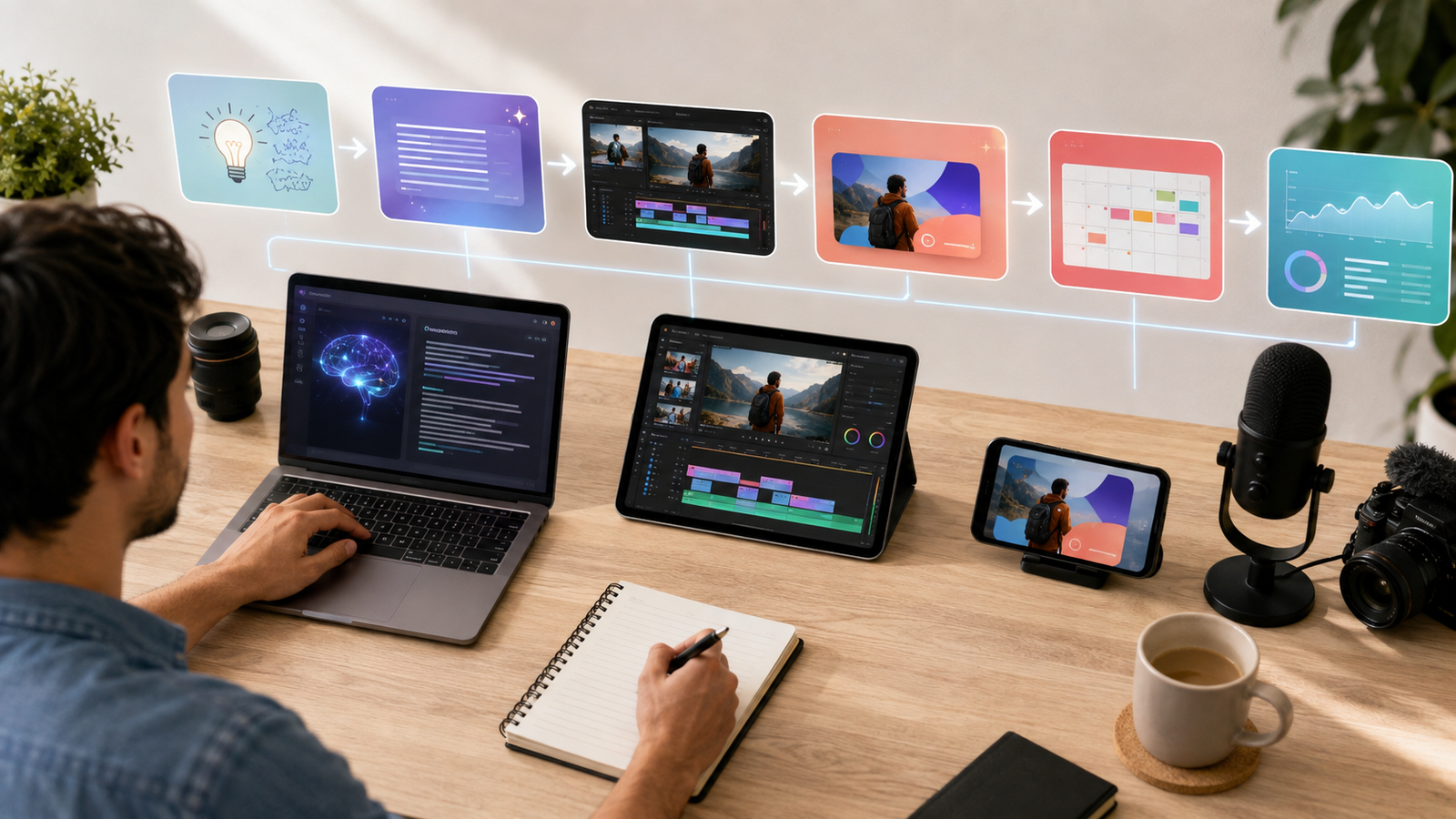
A simple creator stack is often more effective than a complicated
one:
- Research and plan: Use ChatGPT to organize audience
questions, content themes, and a weekly calendar. - Draft: Build the hook, outline, script, or caption,
then add your own examples and opinions. - Produce: Record the video, podcast, tutorial, or
original footage. - Edit: Use CapCut for short-form video or Descript
for speech-led content. - Design: Create the thumbnail and platform-specific
graphics in Canva; use an image generator only when a custom visual adds
real value. - Publish: Schedule the final content with Buffer,
Hootsuite, or Metricool. - Review: Check retention, saves, shares,
click-through rate, and conversions. Use those results to improve the
next idea.
Example
Workflow: One YouTube Video into Seven Content Assets
Suppose you record one ten-minute YouTube tutorial. You could use AI
to:
- Transcribe and clean the spoken content in Descript
- Identify three useful short clips for Reels, TikTok, or Shorts
- Ask ChatGPT to turn the transcript into a newsletter draft
- Create a LinkedIn post focused on the main lesson
- Convert the key points into an Instagram carousel in Canva
- Schedule the supporting posts through Buffer or Metricool
- Compare the results after one week
The important part is that every asset comes from one original idea
and one real recording. AI helps distribute the idea; it does not invent
fake expertise.
How to Choose the Right AI
Tool
Before paying for a tool, ask:
- Which task currently takes the most time?
- How often will I use this feature?
- Does it fit the devices and platforms I already use?
- Can I export my work without a watermark or restrictive format?
- What happens to the content I upload?
- Does the paid plan save enough time to justify its monthly
cost? - Can one tool replace two subscriptions I already have?
Test a tool with a real project, not a polished demo. Measure how
long the task took before and after, then judge the quality of the final
result.
Safety, Privacy, and
Copyright
AI tools can be used safely, but creators need clear boundaries.
- Do not upload confidential client files, private customer data,
unpublished contracts, or sensitive personal information without
understanding the tool’s data controls. - Verify facts, statistics, quotations, and product claims before
publication. - Confirm that you have permission to use uploaded photos, audio,
video, logos, and copyrighted material. - Review generated visuals for copied-looking brand elements or
misleading details. - Disclose synthetic or significantly altered media when the platform,
law, client agreement, or audience context requires it. - Keep a human approval step before anything is published
automatically.
AI can assist creative work, but it cannot take responsibility for
inaccurate, infringing, or misleading content. That responsibility stays
with the creator.
The Future of AI and
Content Creation
AI creation tools are moving toward deeper personalization and more
connected workflows. A creator will increasingly be able to move from an
idea to a script, visual, video draft, translation, distribution plan,
and performance review without repeatedly rebuilding context in separate
applications.
That convenience creates a new problem: when everyone can generate
competent content quickly, competent content becomes easier to ignore.
Original experience, recognizable taste, credible expertise, and trust
become more valuable—not less.
Frequently Asked Questions
What is
the best AI tool for content creators in 2026?
There is no single best tool for every creator. ChatGPT is a strong
general-purpose starting point; CapCut is practical for short video;
Descript works well for spoken content; Canva covers everyday design;
and Buffer or Metricool can support publishing and analysis. Choose
based on your biggest bottleneck.
Can AI create all
of my content automatically?
It can automate parts of production, but fully automated content is
often generic and can contain errors. Strong content still needs human
direction, original material, fact-checking, editing, and final
approval.
Are free AI tools enough
for beginners?
Usually, yes. Free plans are useful for learning and testing a simple
workflow. Upgrade only when a clear limitation is slowing down regular
production or revenue-generating work.
Will using AI hurt my
personal brand?
It can if you publish unedited output that sounds like everyone else.
Use AI for structure and repetitive work, then add your own stories,
language, opinions, and visual identity.
How many AI tools
does a creator really need?
Most solo creators can begin with three: one planning or writing
assistant, one production tool for their main format, and one publishing
or analytics tool. Add another tool only when it solves a measured
problem.
Final Verdict
The top AI tools for content creators in 2026 can make research,
writing, editing, design, repurposing, scheduling, and analysis more
efficient. They cannot create a durable brand on their own.
Creators who want a deeper look at writing-specific options can also
read our guide to the best AI writing
tools. If content is part of a wider company strategy, our AI business
guides cover practical ways to use AI beyond publishing.
The strongest approach is to build a small workflow around your
actual bottlenecks. Let AI handle repeatable production tasks, but keep
the idea, judgment, personality, and final decision human. Speed helps
you publish; originality gives people a reason to remember you.