

Disclosure: This article may contain affiliate links. If you buy through one of these links, AI Future Star may earn a commission at no extra cost to you. We only recommend tools that are relevant to the topic.
Small businesses often lose time to repetitive work: drafting emails, creating social posts, copying information between apps, preparing reports, and answering the same customer questions. Artificial intelligence can reduce some of that workload, but it does not automatically increase profit. The result depends on choosing the right task, reviewing the output, and measuring whether the tool saves more than it costs.
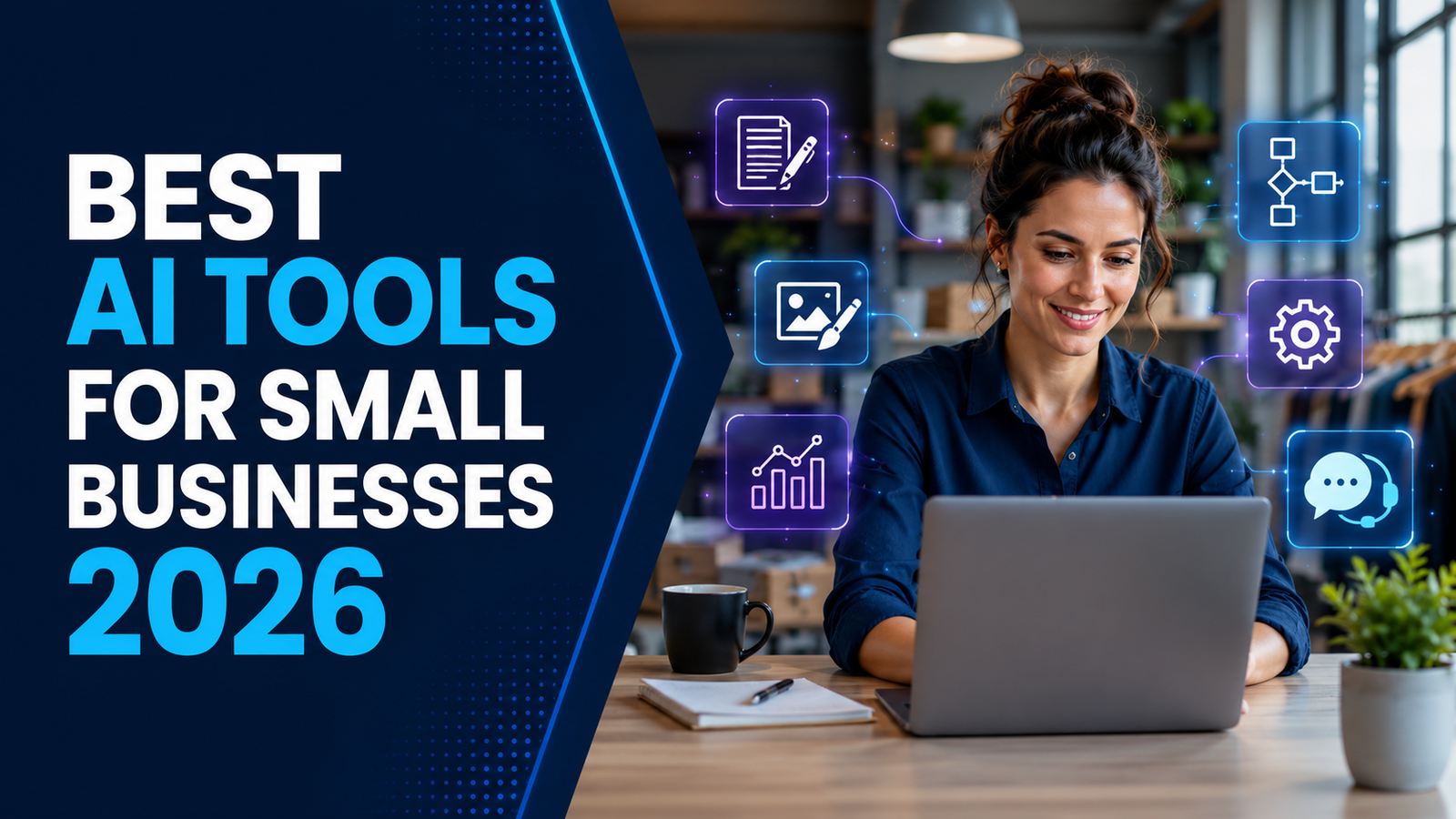
This guide compares three practical AI tools for small businesses in 2026: ChatGPT for writing and analysis, Canva for visual content, and Zapier for workflow automation. Each tool offers a way to start at no cost, although free-plan limits and paid pricing can change.
Best AI Tools for Small Businesses: Quick Comparison
| Tool | Best for | Free access | Main limitation |
|---|---|---|---|
| ChatGPT | Writing, brainstorming, research assistance, and data analysis | Yes, with usage limits | Can produce inaccurate or generic answers |
| Canva | Social graphics, presentations, flyers, and simple videos | Yes, with limited AI usage and premium assets | Templates can look generic without customization |
| Zapier | Connecting apps and automating repetitive workflows | Yes; the Free plan currently includes 100 tasks per month | Complex or high-volume workflows may require a paid plan |
Best overall starting point: ChatGPT is the most flexible choice for a business that needs help with many text-based tasks. Canva is the better first choice for a business that depends heavily on visual marketing. Zapier is most valuable after the business has identified a repetitive, rule-based process worth automating.
1. ChatGPT: Best General AI Assistant for Small Businesses
ChatGPT is a conversational AI tool that can draft, summarize, organize, analyze, and brainstorm. A small-business owner can use it to create a first draft in minutes, but a human should still verify facts, prices, calculations, legal claims, and customer-facing promises.
Practical ways to use ChatGPT
- Draft customer-service replies and follow-up emails
- Create product-description or social-post drafts
- Turn meeting notes into action items
- Brainstorm offers, campaign ideas, or FAQ questions
- Summarize non-confidential documents
- Analyze a spreadsheet and explain basic trends
- Create a first draft of a standard operating procedure
Example workflow
A retailer could paste a list of product features into ChatGPT and ask for three versions of a product description: one for its website, one for WhatsApp, and one for social media. The owner should then check every specification and adjust the tone before publishing.
Pros
- Useful across marketing, operations, research, and communication
- Available through a free individual plan
- Can work with text, images, and files, subject to plan limits
- Business plans add a managed workspace and administrative controls
Limitations
- Outputs may contain false information or invented sources
- Weak instructions often produce generic content
- Confidential client or employee data requires an approved privacy policy and suitable account settings
- Generated copy still needs editing to match the business’s voice
OpenAI currently offers a free ChatGPT plan. For teams, ChatGPT Business is listed at $20 per user per month when billed annually or $25 per user per month when billed monthly, with a minimum of two users. Check the official pricing page before purchasing because plans and limits can change.
2. Canva AI: Best for Fast Visual Marketing
Canva combines templates, brand tools, stock assets, and AI-assisted design features. It is useful for owners who need acceptable marketing visuals without learning advanced software. Common outputs include social posts, posters, presentations, menus, thumbnails, and short promotional videos.
Practical ways to use Canva
- Create branded Instagram, Facebook, and LinkedIn posts
- Resize one design for several social platforms
- Prepare sales presentations and proposals
- Design flyers, menus, price lists, and simple brochures
- Remove image backgrounds or generate visual ideas, depending on plan access
- Build reusable templates for employees
Example workflow
A restaurant could create one weekly-offer design, duplicate it for Instagram Stories and Facebook, replace the photo and price each week, and keep its colors and logo consistent. This is more efficient than starting from a blank canvas every time.
Pros
- Beginner-friendly editor with a large template library
- Useful for digital and print materials
- Free plan available
- Brand and collaboration features are available on paid plans
Limitations
- Free users receive limited access to AI tools and premium content
- Popular templates can make different brands look similar
- AI-generated images may contain visual or text errors
- Businesses must review Canva’s content license before selling designs or merchandise
Canva says its Free plan includes a monthly allowance for AI features, while paid plans receive different access and higher allowances. Availability can vary by tool, plan, region, and account, so confirm the current limits on Canva’s official pages.
3. Zapier: Best for Automating Repetitive Work
Zapier connects business apps through automated workflows called Zaps. A trigger in one app starts one or more actions in another. For example, a new website form submission could create a lead in a spreadsheet and notify a salesperson.
Practical ways to use Zapier
- Send form leads to a CRM or spreadsheet
- Notify staff when a new order or support request arrives
- Create tasks from emails or form submissions
- Copy approved data between business systems
- Send scheduled reports to the right team
- Add AI steps that classify, summarize, or extract information
Example workflow
A service business could connect its lead form to a spreadsheet and email system. When a prospect submits the form, Zapier records the lead and sends an acknowledgement. The team should still monitor failures and make sure customers can reach a person.
Pros
- No-code workflow builder
- Connects thousands of apps
- Can reduce manual copying and missed handoffs
- Free plan is enough to test a simple, low-volume workflow
Limitations
- The Free plan is limited to two-step workflows and 100 tasks per month
- Multi-step automation and premium apps may require a paid plan
- Poorly designed automations can duplicate records or send incorrect messages
- Workflows require monitoring, documentation, and an owner
Zapier currently lists a Free plan with 100 tasks per month. Its Professional plan starts at $19.99 per month on annual billing, but the final cost depends on task volume and features. Confirm current pricing before subscribing.
How to Choose the Right AI Tool
Start with the business problem, not the most popular software.
- Choose ChatGPT if writing, summarizing, ideation, or basic analysis consumes too much time.
- Choose Canva if the bottleneck is creating consistent marketing visuals.
- Choose Zapier if employees repeatedly move predictable information between apps.
Do not buy all three immediately. Test one workflow for two weeks, record the time spent before and after, and calculate the value of the hours saved. If the tool does not produce a measurable improvement, change the workflow or cancel the subscription.
How to Use AI Safely in a Small Business
- Protect sensitive data. Do not paste passwords, payment-card details, private health information, employee records, or confidential client data into an unapproved tool.
- Keep human review. Check facts, calculations, legal statements, prices, and promises before content reaches a customer.
- Respect copyright and licenses. Confirm that images, templates, music, and generated assets can be used commercially.
- Document automations. Record what starts each workflow, what it changes, and who fixes it when it fails.
- Measure results. Track time saved, errors, conversion rate, response time, and subscription cost.
A Simple 14-Day Test
- Choose one repetitive task that happens at least three times per week.
- Measure how many minutes it currently takes and how often errors occur.
- Select the tool that directly matches that task.
- Create a repeatable prompt, design template, or automation.
- Use it for two weeks while reviewing every result.
- Compare the hours saved and errors avoided with the subscription and setup cost.
This approach gives a business real evidence. Claims such as “save hours every week” or “increase profits instantly” mean little without data from the actual workflow.
Frequently Asked Questions
What is the best AI tool for a small business?
There is no single winner for every business. ChatGPT is the most versatile general assistant, Canva is stronger for quick visual content, and Zapier is designed for connecting apps and automating workflows.
Can small businesses use AI tools for free?
Yes. ChatGPT, Canva, and Zapier all offer free access, but usage, features, assets, and automation volume are limited. Check the official pricing pages because limits change.
Will AI automatically increase profits?
No. An AI tool may reduce labor time, speed up customer responses, or improve output volume. Profit increases only when those gains exceed the tool’s cost and contribute to more revenue or lower operating expenses.
Is it safe to put customer data into an AI tool?
Not automatically. Review the provider’s data controls, your account plan, applicable laws, and client agreements. Use the minimum necessary data and remove personal or confidential details whenever possible.
Should a business replace employees with AI?
AI is better treated as a tool for specific tasks. It still needs oversight, context, accountability, and human judgment, especially for customer service, finance, legal matters, and important business decisions.
Final Verdict
ChatGPT, Canva, and Zapier solve different problems. ChatGPT helps produce and analyze information, Canva speeds up visual production, and Zapier automates movement between apps. A small business should begin with one clearly defined bottleneck, test the relevant tool, and keep it only if the results are measurable.
The goal is not to add more software. It is to remove low-value work without reducing accuracy, trust, or customer service.