

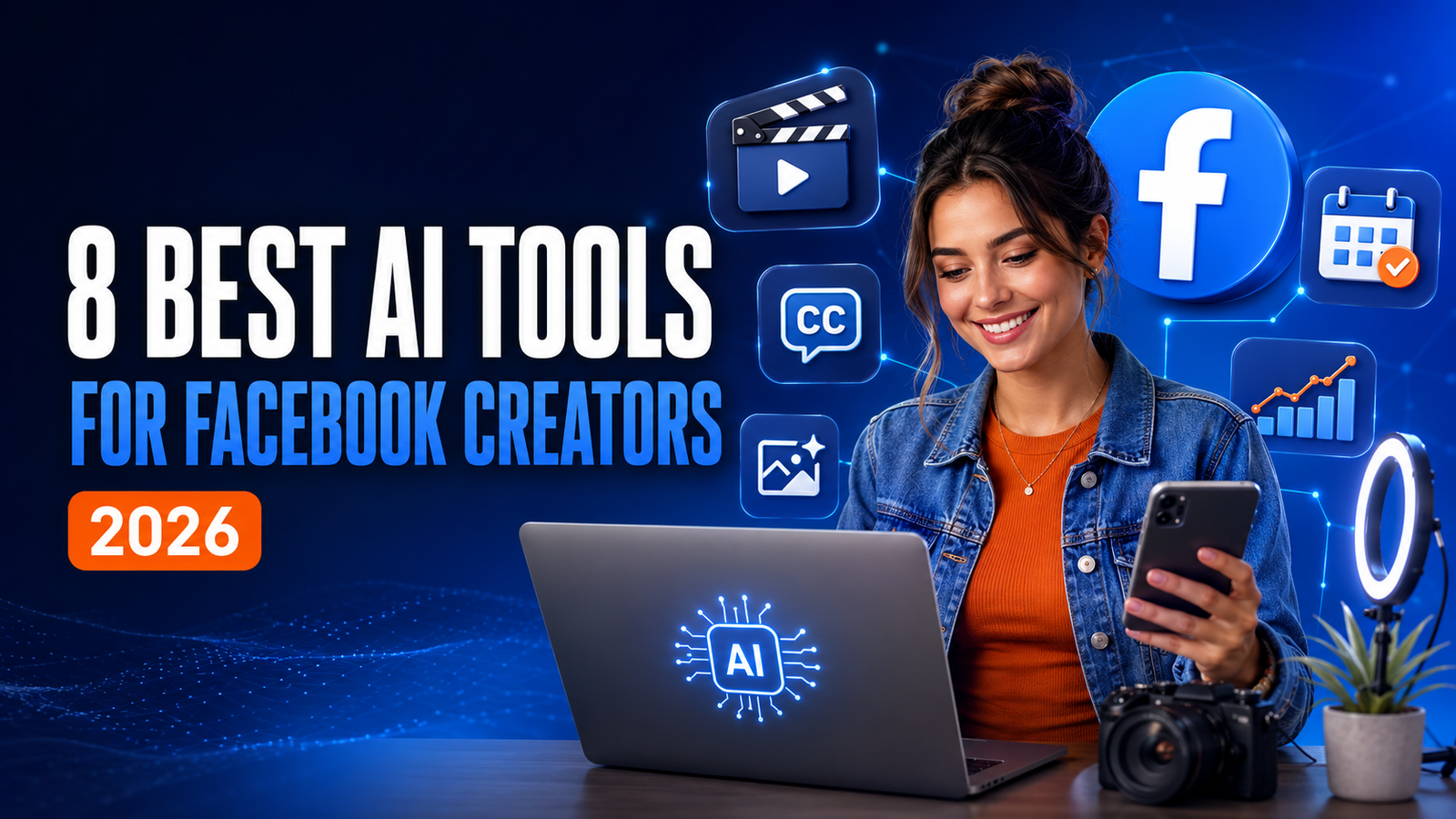
AI tools for Facebook creators can make content planning, writing, design, video editing, voiceovers, and scheduling faster. However, they do not guarantee reach or engagement. The strongest results still come from useful ideas, original experience, clear storytelling, and consistent testing.
In 2026, the most practical toolkit for many Facebook creators combines ChatGPT for ideas and scripts, Canva AI for graphics, CapCut for Reels, and Meta Business Suite for publishing and performance tracking. Other tools become useful when you need realistic narration, text-to-video production, or management across several social accounts.
This guide compares eight tools by the job they actually perform, their limitations, and the type of creator who benefits most from each one.
Quick Comparison: The Best AI Tools for Facebook Creators
| Tool | Best For | Useful Facebook Tasks | Main Limitation |
|---|---|---|---|
| ChatGPT | Ideas and writing | Content plans, hooks, captions, scripts, rewrites | Drafts can sound generic without strong instructions and editing |
| Canva AI | Branded visuals | Post graphics, carousels, Reel covers, resizing | Templates still need customization to avoid a generic look |
| CapCut | Short-form video | Reels, captions, background removal, text-to-speech | Automated edits usually need a manual quality check |
| ElevenLabs | AI voiceovers | Narration, multilingual audio, faceless videos | Voice rights, disclosure, and brand fit require care |
| Pictory | Text-to-video | Turning scripts, articles, and URLs into video drafts | Auto-selected visuals may feel repetitive or loosely matched |
| Meta Business Suite | Facebook publishing | Planning, scheduling, drafts, and native insights | It does not replace a strong content strategy |
| Hootsuite | Multi-account management | AI-assisted captions, calendar planning, scheduling, analytics | Often more than a single-page creator needs |
| Flick | Social post generation | Captions, visuals, hashtags, scheduling, brand-based ideas | Its strongest heritage is broader social media, not Facebook alone |
Pricing, free-plan limits, and feature availability can change. Check each provider before choosing a paid plan.
1. ChatGPT: Best for Content Ideas, Captions, and Reel Scripts
ChatGPT is the most flexible starting point in this list. Facebook creators can use it to brainstorm content pillars, generate hook variations, draft captions, outline educational posts, turn a long article into a short Reel script, or build a weekly publishing plan. OpenAI’s official guidance also lists brainstorming, drafting, and revising text among ChatGPT’s practical uses.
The tool becomes useful when the prompt includes real context. Instead of asking, “Write a Facebook post,” specify the audience, goal, topic, tone, format, and desired action.
Example prompt:
Create five 30-second Facebook Reel ideas for first-time small-business owners. Each idea should solve one specific marketing problem. Give me a strong opening hook, three talking points, a natural call to action, and a suggested visual for every Reel. Keep the language simple and avoid exaggerated claims.
Best uses:
- Generating content ideas for a specific audience
- Writing and improving hooks
- Drafting captions and short video scripts
- Repurposing one idea into a post, carousel, and Reel
- Creating a realistic weekly content calendar
What to watch: Do not publish the first draft automatically. Add your own examples, opinions, facts, and voice. Verify factual claims before publishing, especially in health, finance, legal, or news content.
2. Canva AI: Best for Facebook Graphics and Brand Consistency
Canva AI combines design templates with AI-assisted writing, image generation, editing, resizing, and brand tools. It is useful for creators who need professional-looking post graphics but do not want to build every design from a blank canvas.
For Facebook, Canva can help create quote cards, educational carousels, announcement graphics, thumbnail-style Reel covers, lead-magnet promotions, and event posts. Its resizing tools can also adapt a core design for other channels.
Best uses:
- Creating branded Facebook post templates
- Designing carousel slides and infographics
- Producing Reel covers with consistent fonts and colors
- Removing or replacing image backgrounds
- Turning one campaign concept into several visual formats
What to watch: A template is only a starting point. Change the typography, colors, photos, spacing, and layout so the final design looks like your brand. Review AI-generated images carefully for visual errors and possible rights issues before commercial use.
3. CapCut: Best for Editing Facebook Reels
CapCut is a practical option for creators who produce vertical short-form video. Its current AI-assisted features include automatic subtitles, background removal, text-to-speech, transcription, and script-to-video tools.
These features can reduce repetitive editing work, especially when you publish tutorials, product demonstrations, list videos, commentary, or faceless educational Reels. CapCut is available across mobile, desktop, and web, although specific tools and export conditions may differ by platform or plan.
Best uses:
- Adding and styling automatic captions
- Cutting pauses and tightening pacing
- Removing backgrounds
- Creating text-led or faceless Reels
- Turning longer footage into shorter clips
What to watch: Trend-based templates can make different pages look identical. Use them selectively, correct caption errors, confirm music-usage rights, and review the full export before posting.
4. ElevenLabs: Best for Natural-Sounding AI Voiceovers
ElevenLabs is designed for AI-generated speech, voice design, dubbing, and voice cloning. Its official site currently offers a large voice library and multilingual speech support, making it relevant to creators who publish narrated explainers, story videos, product content, or faceless educational posts.
A simple workflow is to write a short script in ChatGPT, generate the narration in ElevenLabs, and complete the video in CapCut or Canva. This can help creators who are uncomfortable recording their own voice, but the narration should still match the audience and emotional tone of the content.
Best uses:
- Creating narration for faceless videos
- Testing different delivery styles
- Producing content in multiple supported languages
- Dubbing existing content for another audience
What to watch: Never clone or imitate someone’s voice without permission. Follow the platform’s rules, local laws, and disclosure requirements. A realistic voice should not be used to mislead viewers about who is speaking.
5. Pictory: Best for Turning Text into Video Drafts
Pictory can turn prompts, scripts, articles, blog posts, and URLs into video drafts with visuals, captions, and AI voices. This makes it useful for educational pages and bloggers who want to repurpose existing written content for Facebook.
The main advantage is speed: creators can start from a complete script instead of building every scene manually. The trade-off is that automated scene selection can miss the exact meaning or emotional tone of a sentence.
Best uses:
- Converting a blog post into a short explainer
- Creating a first video draft from a script
- Adding captions and narration
- Extracting short clips from longer recordings
What to watch: Replace generic stock footage, check every scene, shorten long sentences, and add custom branding. Treat the automatic output as a draft rather than a finished video.
6. Meta Business Suite: Best for Native Scheduling and Insights
Meta Business Suite is not primarily a generative AI tool, but it is one of the most important parts of an efficient Facebook workflow. Meta’s own business resources describe tools for planning, drafting, publishing, and scheduling Facebook posts, Stories, and Reels, as well as reviewing content status and performance.
Use it after your content has been written and edited. A native calendar helps you see whether your week contains a balanced mix of education, entertainment, conversation, proof, and promotion.
Best uses:
- Scheduling posts and Reels in advance
- Saving drafts for review
- Managing Facebook and Instagram content together
- Checking reach, interactions, and other available insights
- Comparing formats and topics over time
What to watch: Scheduling more content does not make weak content effective. Use insights to learn which topics, hooks, lengths, and formats your own audience responds to.
7. Hootsuite: Best for Teams and Multiple Social Accounts
Hootsuite is more relevant when a creator, agency, or marketing team manages several pages and platforms. Its content calendar, scheduling, analytics, and AI-assisted writing features can centralize work that would otherwise be spread across different tools.
Hootsuite’s AI writing assistant has evolved over time, so check the current product name and plan availability before subscribing. The practical use remains the same: creating or refining social captions inside a broader publishing workflow.
Best uses:
- Managing several Facebook Pages or client accounts
- Planning content with a team
- Drafting and refining post copy
- Scheduling across multiple social networks
- Reviewing performance in one dashboard
What to watch: A solo creator with one Facebook Page may not need a full social media management platform. Compare its cost with the free native workflow in Meta Business Suite before paying.
8. Flick: Best for Captions, Visuals, and Social Post Ideas
Flick offers AI-assisted social post generation for platforms including Facebook. Its tools can generate captions and visuals, suggest content based on brand information, and support scheduling and hashtag research.
Flick can be useful when you want a single environment for brainstorming, writing, basic visuals, and planning. However, hashtag tools should not become the center of a Facebook strategy. Clear topics, strong openings, useful content, and audience response matter more than adding a long list of tags.
Best uses:
- Generating caption variations
- Creating text-and-image post drafts
- Building ideas around content pillars
- Keeping a consistent brand brief
- Planning content across multiple platforms
What to watch: Review every claim Flick makes on your behalf and rewrite generic language. Use only relevant hashtags, and measure whether they make any difference for your actual Facebook Page.
Which AI Tool Stack Should You Choose?
For a Beginner or Solo Creator
Start with ChatGPT + Canva + CapCut + Meta Business Suite. This covers planning, writing, graphics, Reels, scheduling, and basic performance review without adding too many overlapping tools.
For a Faceless Facebook Page
Use ChatGPT + ElevenLabs + CapCut. ChatGPT creates the draft, ElevenLabs produces narration, and CapCut handles the visual edit and captions. Add Pictory only if you regularly convert articles or long scripts into videos.
For an Agency or Multi-Page Team
Consider ChatGPT + Canva + CapCut + Hootsuite. Hootsuite becomes more valuable when approvals, multiple accounts, and cross-platform reporting create operational complexity.
A Practical AI Workflow for Facebook Content
- Choose one goal. Decide whether the content should educate, entertain, build trust, start a conversation, generate leads, or sell.
- Define the audience problem. Write down one question, frustration, or desired result your audience already has.
- Create several hooks. Use ChatGPT to generate options, then select and rewrite the one that feels most specific and credible.
- Build the content. Draft the caption or script, adding your own examples, experience, evidence, and point of view.
- Produce the visual. Use Canva for graphics or CapCut for video. Add ElevenLabs or Pictory only when the format requires them.
- Review before publishing. Check facts, spelling, captions, audio, image rights, calls to action, and mobile readability.
- Schedule and measure. Publish through Meta Business Suite or another scheduler, then compare performance by topic, format, hook, and goal.
- Improve the next version. Repeat what worked, remove what did not, and test one meaningful change at a time.
Common Mistakes to Avoid
- Publishing raw AI output: Unedited text often sounds broad, repetitive, or detached from the creator’s real experience.
- Using too many tools: Overlapping subscriptions add cost and complexity without improving the content.
- Choosing volume over usefulness: More posts do not automatically produce more reach or trust.
- Ignoring rights and consent: Confirm permission for music, images, video clips, and cloned voices.
- Automating community interaction: Generic AI replies can damage trust. Important comments and messages deserve human attention.
- Failing to measure: Track results by content pillar and format instead of judging success from one viral or weak post.
Frequently Asked Questions
What are the best AI tools for Facebook creators in 2026?
For most creators, the strongest starting combination is ChatGPT for planning and writing, Canva AI for graphics, CapCut for Reels, and Meta Business Suite for scheduling and insights. ElevenLabs, Pictory, Hootsuite, and Flick are more useful for specialized workflows.
Can I use AI tools for free?
Several tools provide free access, trials, or limited free features, but limits and export conditions change. Check the official pricing page for each product before committing your workflow to it.
Can AI create a complete Facebook Reel?
Yes, AI can help generate a script, voiceover, visuals, captions, and a first edit. A creator should still review the pacing, facts, rights, branding, and emotional tone before publishing.
Are AI tools useful for faceless Facebook pages?
Yes. A faceless page can combine written scripts, licensed or original visuals, AI narration, and captions. Faceless does not mean anonymous copying: the content still needs an original angle, responsible sourcing, and a consistent brand.
Will AI increase my Facebook reach?
No tool can guarantee reach. AI can speed up production and testing, but distribution depends on audience interest, content quality, retention, interaction, competition, and Facebook’s systems.
Final Verdict
The best AI tools for Facebook creators are the ones that remove a real bottleneck. If ideas and writing slow you down, start with ChatGPT. If visuals are the problem, use Canva. If Reels take too long to edit, use CapCut. If publishing is inconsistent, build a calendar in Meta Business Suite.
Do not subscribe to eight tools at once. Start with one simple workflow, publish consistently for several weeks, measure the results, and add another tool only when it solves a specific limitation. AI should support your creativity and judgment—not replace them.
Explore more practical AI tool comparisons and tutorials on AIFUTURESTAR.
Editorial note: Product features and plan limits can change. This article was reviewed against official product information available in August 2026.
Disclosure: AIFUTURESTAR may use affiliate links in some articles. If you purchase through an affiliate link, we may earn a commission at no additional cost to you. Recommendations should be based on usefulness and fit, not commission size.